Many website owners, advertisers, and e-commerce sellers often hear about two tools:
GA4 and GTM.
They are often used together, but they are not the same thing.
Simply put:
- GA4 is used to analyze user behavior and conversion data.
- GTM is used to manage tracking codes and send event data.
If you want to understand where users come from, what they do on your website, and which actions lead to conversions, GA4 and GTM are essential tools.
What Are GA4 and GTM?
GA4, or Google Analytics 4, is a data analysis tool. It helps you understand what users do after they enter your website or app.
You can use GA4 to analyze:
- Traffic sources
- Page views
- User behavior
- Conversion paths
- Form submissions
- Add-to-cart actions
- Purchases
GTM, or Google Tag Manager, is a tag management tool. It helps you install and manage tracking codes without frequently editing website code.
You can use GTM to manage:
- GA4 tags
- Google Ads conversion tags
- Meta Pixel
- TikTok Pixel
- Button click tracking
- Form submit tracking
- Custom event tracking
The easiest way to understand them is:
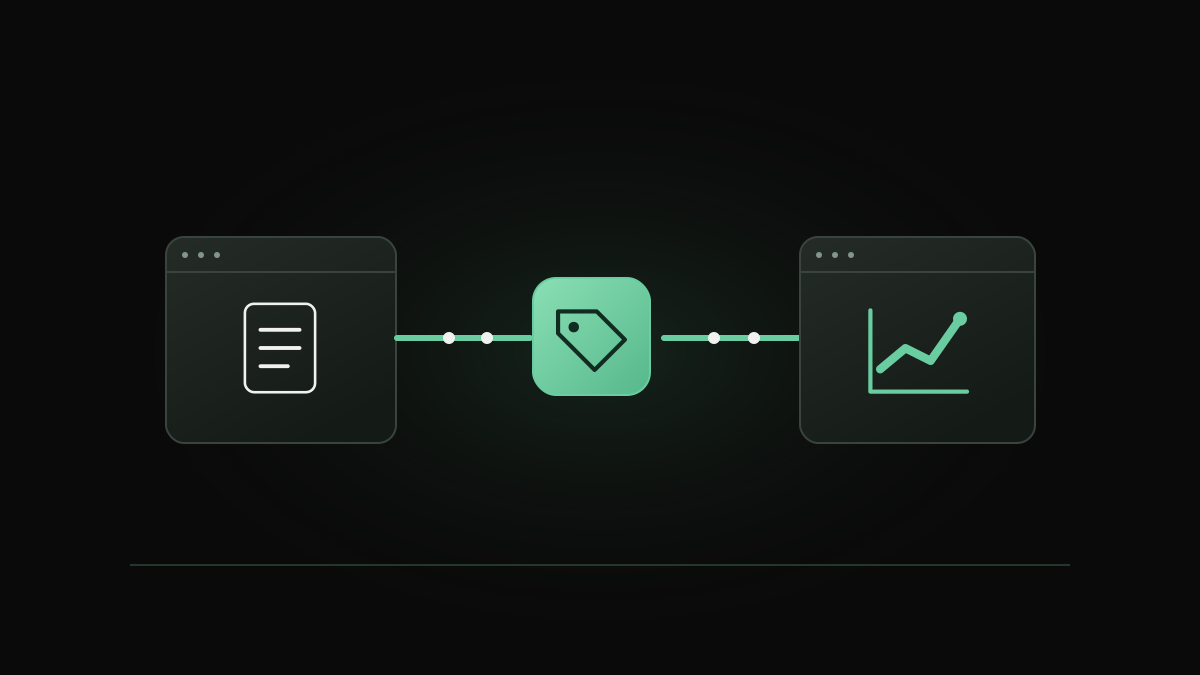
GA4 is the data dashboard. GTM is the data pipeline.

How GA4 and GTM Work Together
GA4 and GTM are not replacements for each other. They work together.
The common workflow is:
| Step | Tool | Function |
|---|---|---|
| User visits or clicks | Website | User creates behavior |
| Trigger detects behavior | GTM | Identifies the action |
| Event is sent | GTM | Sends data to GA4 |
| Data is analyzed | GA4 | Shows reports and insights |
| Optimization happens | Marketer | Improves pages or campaigns |
For example, if you want to track an “Add to Cart” button click:
- A user clicks the button
- GTM detects the click
- GTM sends an
add_to_cartevent - GA4 records the event
- You analyze the event data in GA4
In simple terms:
GTM collects and sends data. GA4 receives and analyzes data.

Key Events You Should Track
For websites, especially e-commerce sites or landing pages, page views alone are not enough.
You should track actions that show real user intent.
Common events include:
| Event | Meaning |
|---|---|
| page_view | User views a page |
| view_item | User views a product |
| add_to_cart | User adds product to cart |
| begin_checkout | User starts checkout |
| purchase | User completes purchase |
| form_submit | User submits a form |
| button_click | User clicks a key button |
| scroll | User scrolls the page |
| video_play | User plays a video |
These events help you understand the full user journey.
For example:
Homepage → Product Page → Add to Cart → Checkout → Purchase
If many users view products but do not add to cart, the product page may need improvement.
If many users add to cart but do not purchase, the checkout process may have problems.
How to Set Up GA4 and GTM
For a new website, the recommended setup order is:
| Step | Action |
|---|---|
| 1 | Create a GTM container |
| 2 | Install GTM code on the website |
| 3 | Add GA4 tag inside GTM |
| 4 | Set up basic page view tracking |
| 5 | Configure key events |
| 6 | Test events in GTM Preview mode |
| 7 | Check data in GA4 DebugView |
| 8 | Publish the GTM version |
| 9 | Review GA4 reports regularly |
The key logic is:
Build the tracking container first, then configure analytics and events.
Do not only install GA4 without planning events.
Also, do not add many GTM tags without checking whether data is accurate.
Common Mistakes and Final Takeaway
Many tracking problems happen because people misunderstand the roles of GA4 and GTM.
Common mistakes include:
- Thinking GA4 alone can track everything
- Thinking GTM automatically creates reports
- Tracking too many unnecessary events
- Not testing events before publishing
- Not checking tracking after website updates
The simplest way to remember their roles is:
| Need | Tool |
|---|---|
| Analyze traffic source | GA4 |
| Analyze user behavior | GA4 |
| View conversion paths | GA4 |
| Manage tracking codes | GTM |
| Track button clicks | GTM + GA4 |
| Track form submissions | GTM + GA4 |
| Test event firing | GTM Preview + GA4 DebugView |
GA4 and GTM are the foundation of website tracking.
GA4 helps you understand the data. GTM helps you collect the data correctly.
For websites, landing pages, and e-commerce stores, accurate tracking is not optional. It is the foundation for understanding users, improving conversion rates, and making better marketing decisions.
For account ownership, onboarding and funding questions, explore our Google Ads account opening and funding support.
Official Reference
For platform-specific details and current guidance, consult Google Analytics event-based measurement overview.